Homelabbing - Storage & Backups
Recap: What is homelabbing?
Resources
- https://github.com/jmunixusers/presentations/blob/main/homelab.md
- https://github.com/jmunixusers/presentations/blob/main/homelab-2.md
- https://selfh.st
- https://github.com/awesome-selfhosted/awesome-selfhosted
Storage Issues
- 3 Problems with Storage:
- Capacity
- Redundancy
- Integrity (bit rot)
Hardware
- CMR (Conventional Magnetic Recording): tracks are next to each other (this is what you need to use)
- SMR (Shingled Magnetic Recording): tracks are “shingled” and they overlap
- Higher density and cheaper, but struggle during long sustained data writes (like resilvering)
RAID
- Two main types:
- Hardware
- Software (
mdadm)
- All about “combining drives” and not much more
- Still has different techniques
ZFS (Zettabyte File System)
- Volume Manager + File System
- COW (Copy-on-Write): crash consistency
- Block Checksums (bit rot): auto-heal from parity
- Smart ARC Caching
- Snapshots: fast & space efficient
- Fully software
BTRFS
- Evil (ripley made me include this even though it always breaks for me)
- GPL (can be included in the kernel) vs CDDL (ZFS)
- Similar features like COW, snapshots, checksums
- Can add in drives after the fact
Common Terminology
- Parity: Extra data used for redundancy
- Pool: Top-level collection of VDEVs. One big “pool” of all your drives
- VDEV (Virtual Device): Group of physical disks
- Stripe: Just combine disks, no redundancy (RAID 0)
- Mirror: Same data on two drives (RAID 1)
- Striped Mirror: Stripe pairs of mirrored disks (RAID 10)
- RAIDZ1: Single parity (RAID 5)
- RAIDZ2: Double parity (RAID 6)
- Dataset: A “file system” in the pool
- Metadata (compression, quotas) can differ from pool
- ZVol: “raw block device”
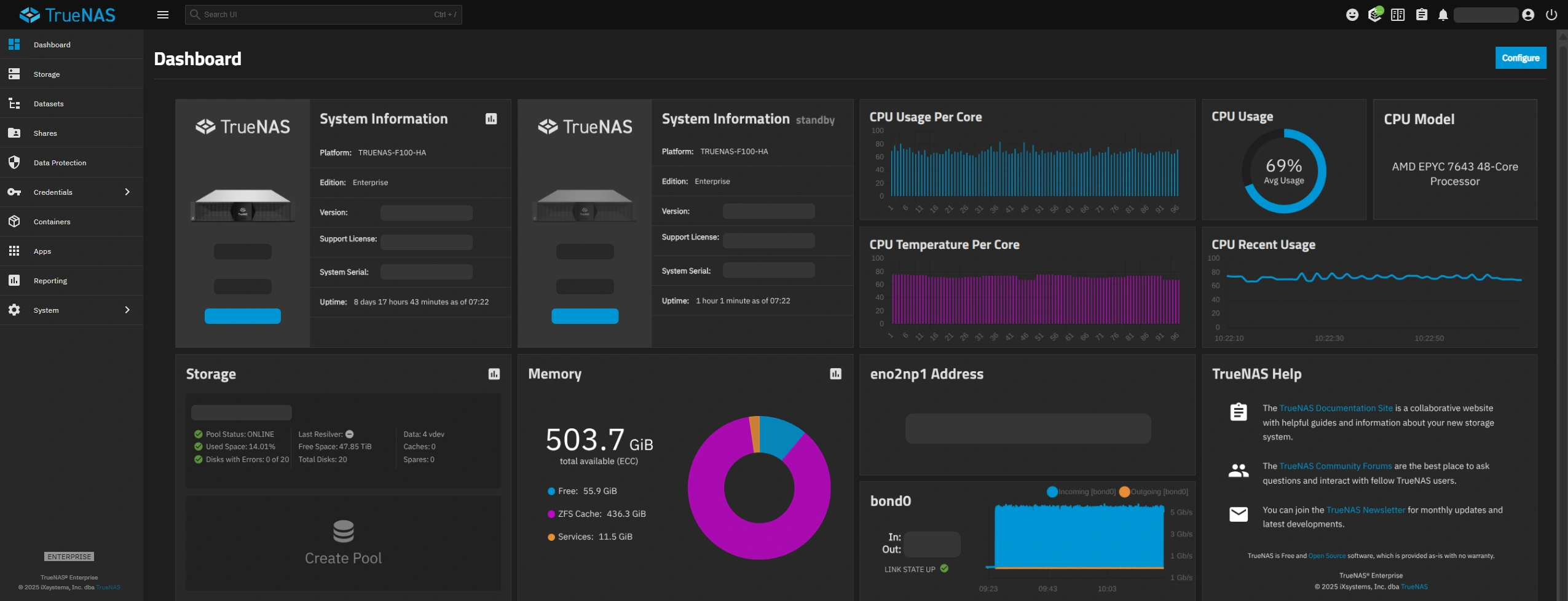
DIY vs Managed ZFS: TrueNAS
- Ease of use/setup
- Nice monitoring UI out of the box
- True Immutable
- Mainly for NAS: application management not great
DIY vs Managed ZFS: Cockpit (45Drives plugin)
- NOT immutable (cockpit runs anywhere as a web service)
- Less focused
- Still in pretty early development, docs don’t exist
- Only built for Rocky, Debian, and Ubuntu
DIY vs Managed ZFS: Manual
- Much simpler than you would think
- Full control & understanding
- Works anywhere
- Doesn’t have a monitoring UI out of the box
Creating a ZPool
sudo apt install zfsutils-linux
ls -l /dev/disk/by-id/
sudo zpool create \
  -o ashift=12 \        # for modern 4KB sector drives. should be 13 for 8K sectors
  -O compression=lz4 \  # or zstd, off, gzip
  -O atime=off \        # performance/drive health
  tank raidz1 \         # pool name and zfs config
  /dev/disk/by-id/ata-DRIVE1_______ \ # list which drives make up the pool
  /dev/disk/by-id/ata-DRIVE2_______ \
  /dev/disk/by-id/ata-DRIVE3_______
zpool status
Creating a Dataset
sudo zfs create tank/backups
# optionally, change metadata:
sudo zfs set compression=zstd tank/backups
zfs list
Maintenance
- Crontab for scrub/trim should be installed to
/etc/cron.d/zfsutils-linux(at least on debian) - Rebuild after a failed disk:
# find the degraded drive (may just be a numeric ID if its really dead):
zpool status
# take the drive offline for the "tank" pool:
zpool offline tank ata-OLDDRIVE...
# find the ID of the new disk:
ls -l /dev/disk/by-id/
# replace the disk:
zpool replace tank ata-OLDDRIVE /dev/disk/by-id/ata-NEWDRIVE
ZFS Zed
- Receive emails when scrub fails
Backups
RAID IS NOT A BACKUP
- RAID protects against hardware failures
- RAID will not help if you
sudo rm -rf /tank
- RAID will not help if you
- Backups protect against human error, disaster, etc.
3-2-1 Backups
- 3 copies of your data
- 2 different mediums
- 1 offsite
ZFS Snapshots vs Backups
- Snapshots:
- Incredibly fast and space efficient (just copies pointers to data instead of the data itself)
- Good for accidental deletion of files
- On same drive as data
- Backups:
- Live on different media
ZFS Send/Receive
- Computes the block-level differences between snapshots and sends a stream of the changes to another machine
- Very fast (incremental)
- Metadata is saved
zfs send tank/data@snapshot50 | ssh user@machine zfs recv tank/backup
BorgBackup
- Space efficient (deduplicating)
- Encryption
- Compression (if not using ZFS)
- Mount backups with FUSE
- Backup diff
Setting Up Borg
# SERVER:
sudo apt install borgbackup

# create borg user and adjust permissions (assumes /tank/backups exists)
sudo adduser borg
mkdir -p /tank/backups/reponame
sudo chmod 700 /tank/backups
sudo chown -R borg:borg /tank/backups
# HOST MACHINE:
sudo apt install borgbackup
# Create a separate passwordless SSH keypair and copy it to the server
ssh-keygen -t ed25519 -f ~/.ssh/id_borg
ssh-copy-id -i ~/.ssh/id_borg borg@192.168.x.x
# SERVER:
# restrict borg SSH key permissions by editing `/home/borg/.ssh/authorized_keys` and modifying the first line to look like this:
command="borg serve --restrict-to-path /tank/backups",restrict ssh-ed25519 AAAAC3Nz... (remainder of key)
# HOST MACHINE:
# init the repository
export BORG_REPO=ssh://borg@192.168.x.x/tank/backups/reponame
export BORG_RSH="ssh -i ~/.ssh/id_borg"
borg init --encryption=repokey
Creating a Backup
borg create ::$(date +%Y-%m-%d) ~/Downloads ~/Documents
Pruning Backups
borg prune --list --keep-daily 7 --keep-weekly 4 --keep-monthly 6
Compacting
borg compact
## Borg Frontends
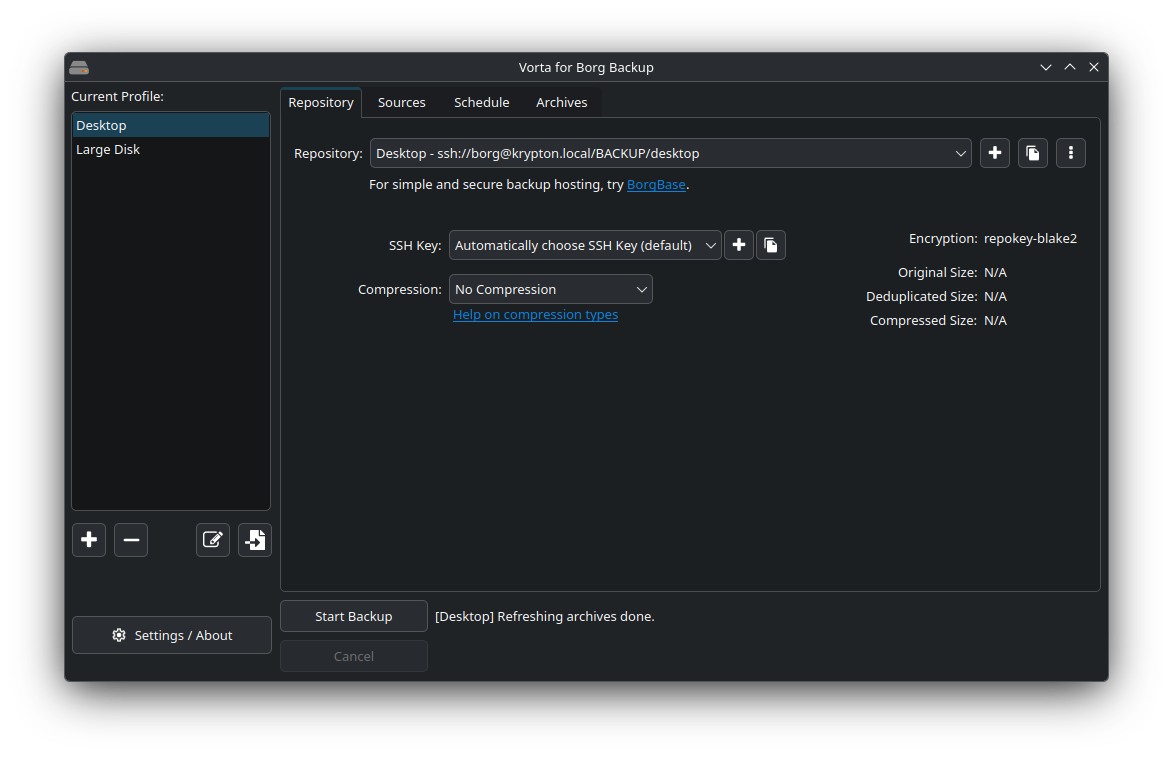
- Vorta
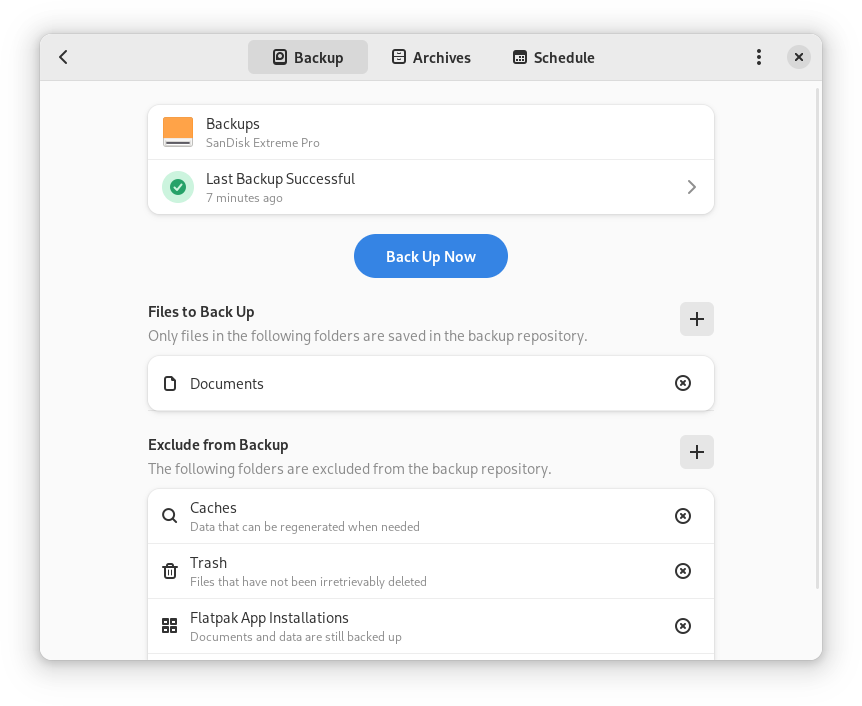
- Pika
- UI for the following:
- Repo/ssh key creation
- Scheduled backups
- Pruning
- Diff/mount/restore
- Folder/file selection/exclusion